 PL
PL ENG
ENG RUS
RUS UA
UA
Raspberry Pi - infrared remote control (LIRC)
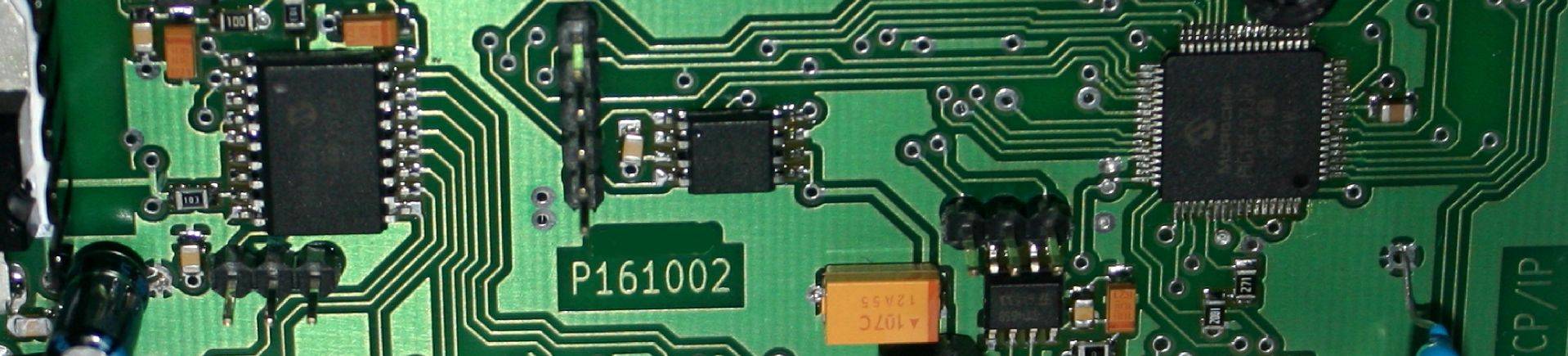
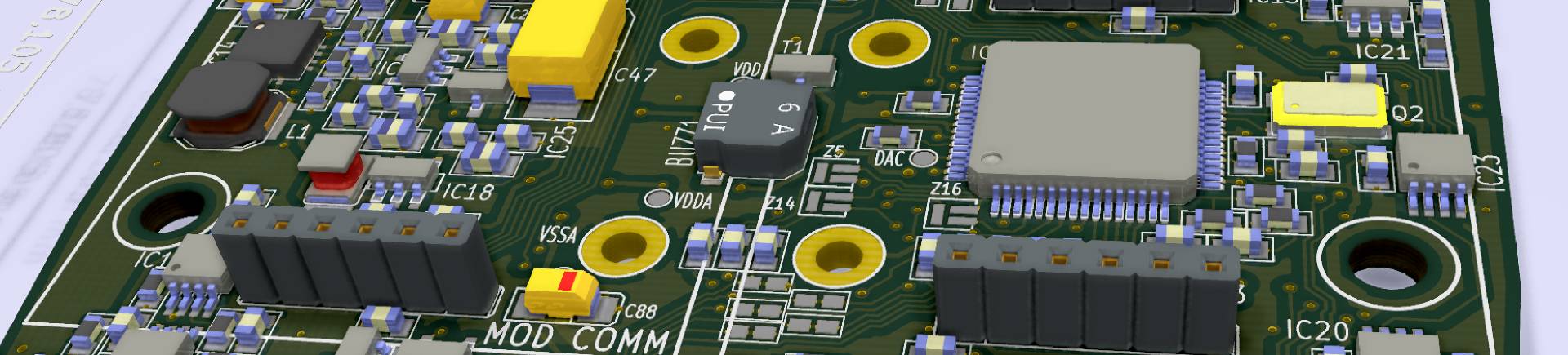
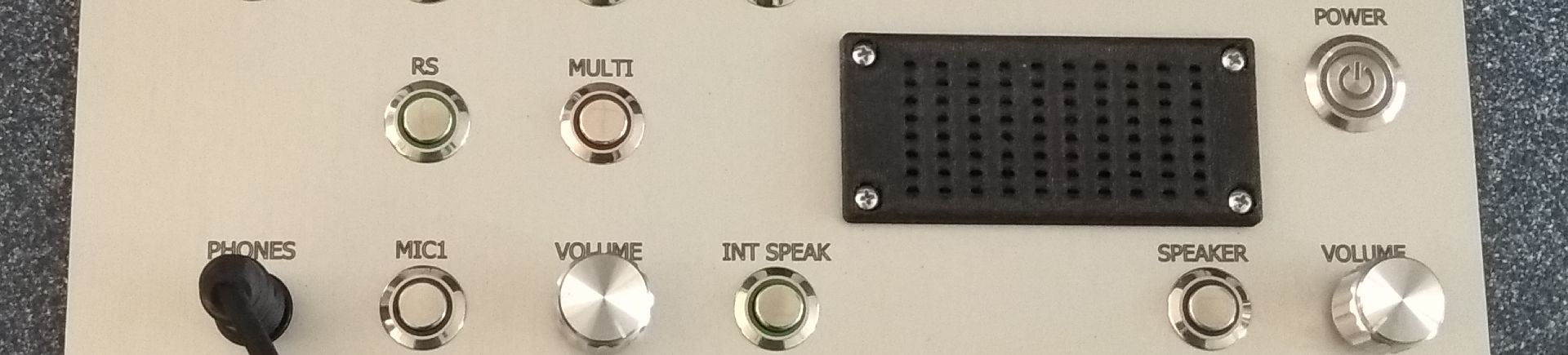
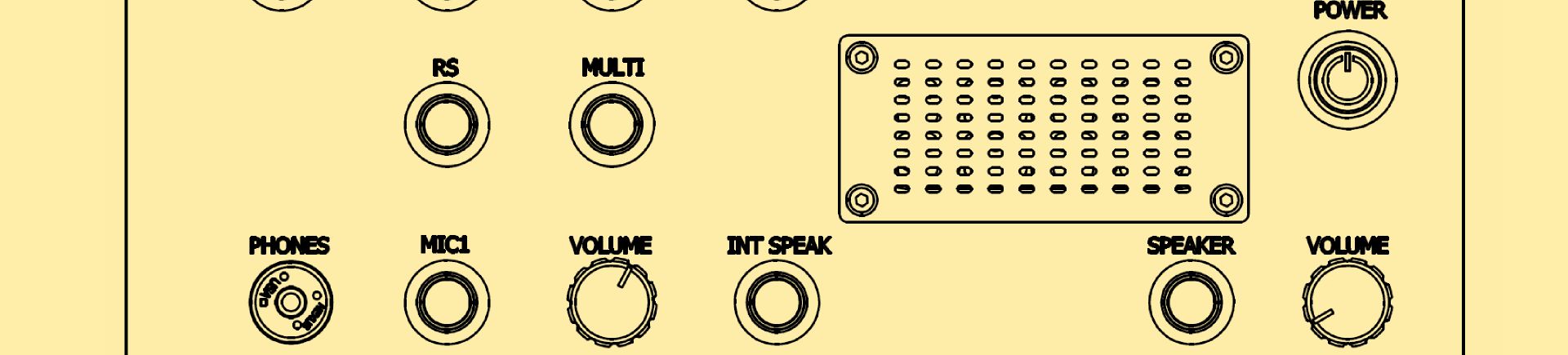
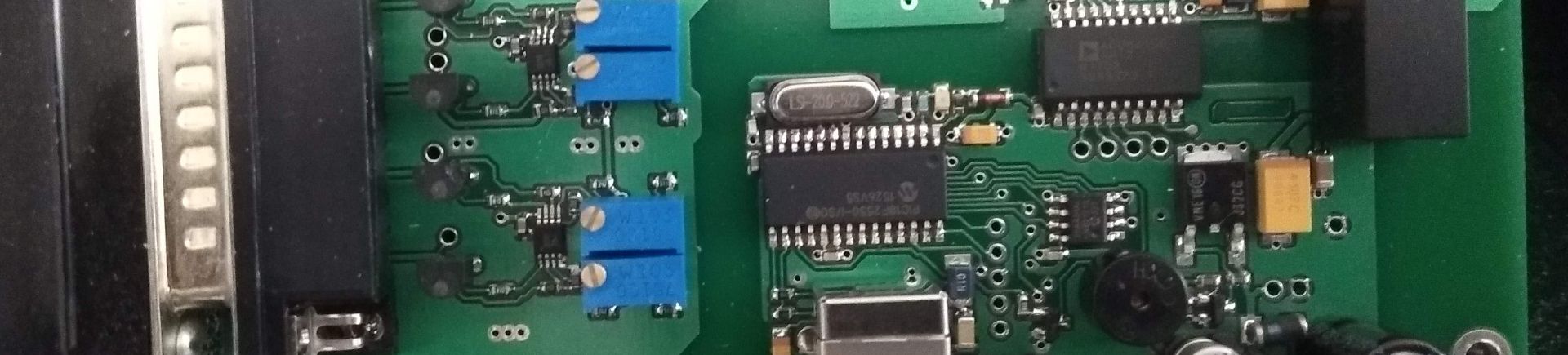
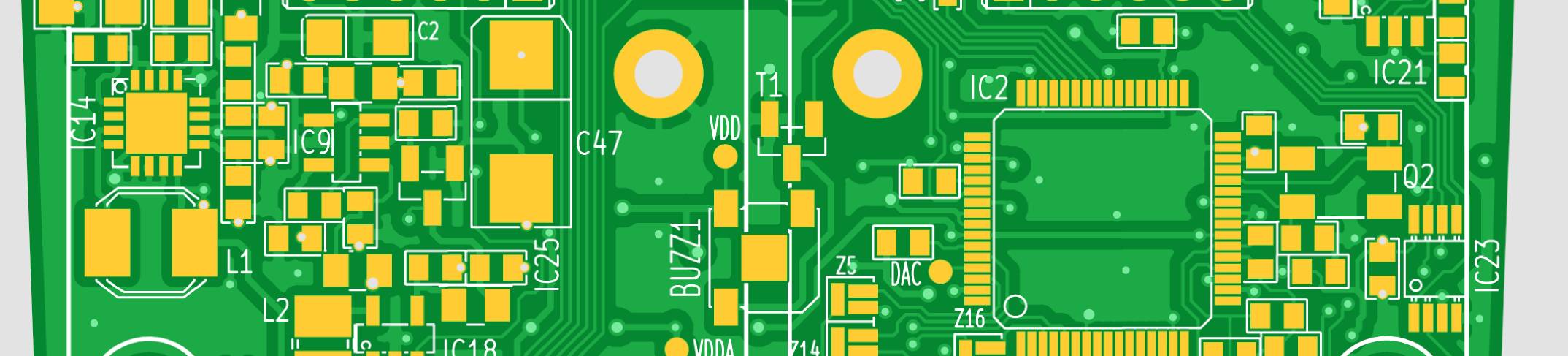
LIRC is a library for handling remote control in the infrared range. To test it, an infrared receiver has to be attached to a GPIO pin of the Raspberry. For my tests I used the P130502 "frontpanel" board I had designed myself. The library is then installed with the command:
sudo apt-get install lirc
Once the lirc package and its dependencies are correctly installed and configured, the /etc/modules file has to be modified by adding the following lines:
lirc_dev
lirc_rpi gpio_in_pin=18 gpio_out_pin=8
Note that in order to edit this file the editor has to be started with root privileges, for example:
sudo nano /etc/modules
The /etc/lirc/hardware.conf file should look as follows:
########################################################
# /etc/lirc/hardware.conf
#
# Arguments which will be used when launching lircd
LIRCD_ARGS="--uinput"
# Don't start lircmd even if there seems to be a good config file
# START_LIRCMD=false
# Don't start irexec, even if a good config file seems to exist.
# START_IREXEC=false
# Try to load appropriate kernel modules
LOAD_MODULES=true
# Run "lircd --driver=help" for a list of supported drivers.
DRIVER="default"
# usually /dev/lirc0 is the correct setting for systems using udev
DEVICE="/dev/lirc0"
MODULES="lirc_rpi"
# Default configuration files for your hardware if any
LIRCD_CONF=""
LIRCMD_CONF=""
########################################################
After restarting the Raspberry Pi we can start the service with the commands:
sudo /etc/init.d/lirc stop
sudo /etc/init.d/lirc start
To check whether the service started correctly we issue:
dmesg | grep lirc
The answer should be similar to the following:
[
15.036008] lirc_dev: IR Remote Control driver registered, major 248
[ 15.137018] lirc_rpi: module is from
the staging directory, the quality is unknown, you have been warned.
[ 15.147286] lirc_rpi lirc_rpi.0:
lirc_dev: driver lirc_rpi registered
at minor = 0
[ 15.150384] lirc_rpi: driver registered!
[ 16.106830] lirc_rpi: auto-detected active low
receiver on GPIO pin 18
Now we can check the reception of data from any remote control. In the terminal we type the command that stops the service:
sudo /etc/init.d/lirc stop
and start the program:
mode2 -d /dev/lirc0
We press any button on the remote control. Something similar to this should appear in the terminal window:
space
16777215
pulse 925
space 848
pulse 1809
space 837
pulse 903
space 867
pulse 928
space 848
pulse 918
space 844
pulse 926
space 843
pulse 899
space 1749
The next configuration item is the lircd.conf file. I renamed lircd.conf to something else, such as lircd.old, and renamed the file containing the RC5 system commands, described as Philips-29PT5507, to lircd.conf. After starting the lirc service and issuing the command:
irw
we can watch the decoded commands in the terminal:
0000000000001003
00 3 Philips-29PT5507
0000000000001003 01 3 Philips-29PT5507
0000000000001003 00 3 Philips-29PT5507
0000000000001003 01 3 Philips-29PT5507
000000000000100c 00 power Philips-29PT5507
000000000000100c 00
power Philips-29PT5507
0000000000001020 00 prog_up Philips-29PT5507
0000000000001020 01 prog_up
Philips-29PT5507
0000000000001021 00 prog_down Philips-29PT5507
0000000000001024 00 unknown_5
Philips-29PT5507
0000000000001024 01 unknown_5 Philips-29PT5507
0000000000001011 00 vol_down
Philips-29PT5507
0000000000001010 00 vol_up Philips-29PT5507
This confirms that the infrared receiver works correctly and that the commands are being decoded.
An infrared receiver is often part of a finished device as well - we used one in the HTTP server controller, which supports the RC5 standard. We design similar controllers to order.
Copyright ©2026 systemypomiarowe.pl.